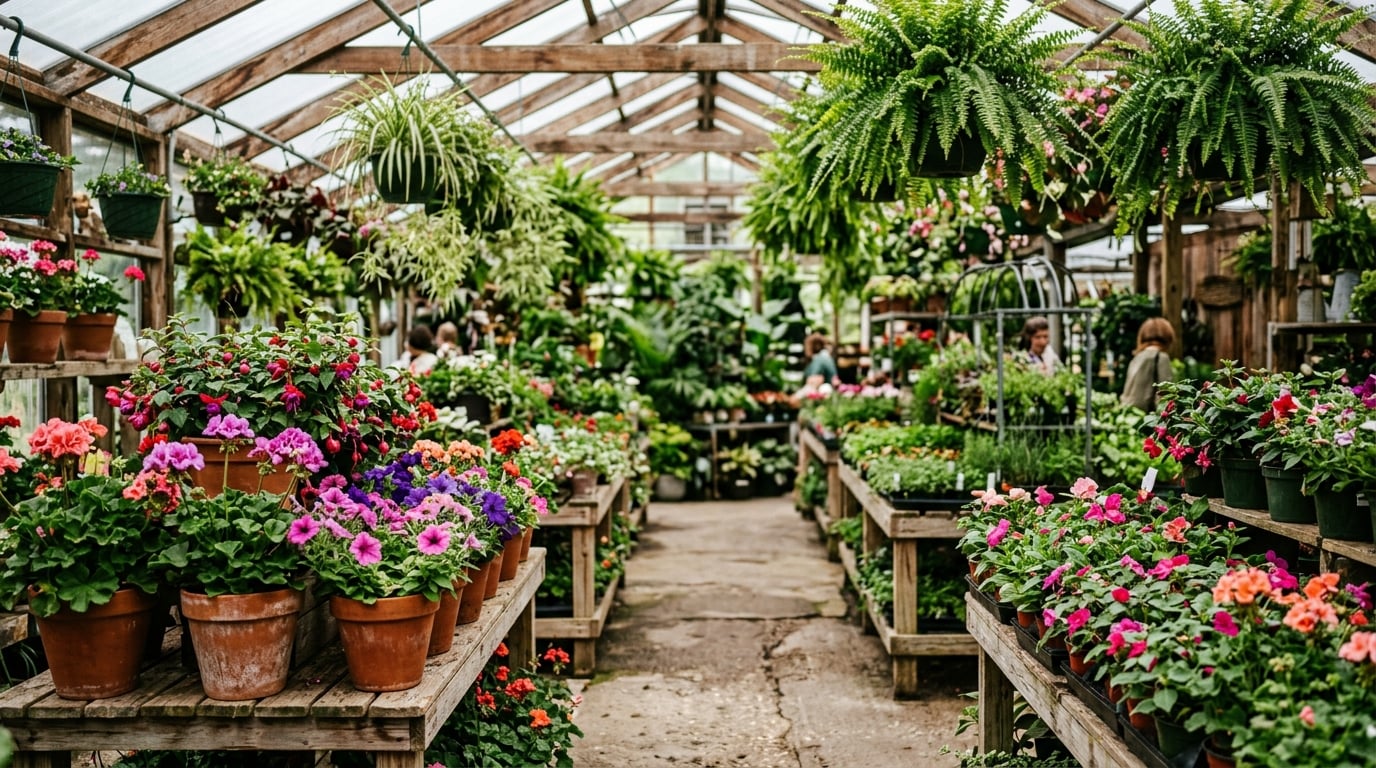
How Can an Interactive Website Help a Landscaping Company?
How Can an Interactive Website Help a Landscaping Company?
In today's competitive digital landscape, many landscaping companies operate with websites that function less like dynamic showcases and more like static billboards. They present information but rarely invite meaningful interaction, leaving potential clients to bridge the gap between inspiration and visualization on their own. Verde Vista Landscaping’s current site exemplifies this common approach. It features a pristine hero photo of a perfectly manicured lawn, a concise “About Us” paragraph, a grid of before-and-after project photos, a straightforward list of services, and a basic contact form. Visitors can scroll, read, and perhaps submit an inquiry, but that is the extent of the experience. The site efficiently tells visitors what the company does; it never lets them truly explore what their own yard could become, nor does it empower them to envision their unique outdoor dreams.
An interactive website changes that equation entirely. Instead of presenting a digital brochure, it invites homeowners to actively design, visualize, and experience their future landscape in real time. For Verde Vista Landscaping, this means transforming their online presence from a passive gallery into a powerful sales, education, and client-engagement tool. By engaging prospects long before the first consultation, the site turns initial curiosity into a concrete, personalized vision—bridging the gap between abstract ideas and actionable plans, and fostering a deep connection with the client's aspirations.
The flat version
Verde Vista’s existing website follows the familiar small-business template: functional but uninspired. The homepage opens with a large, high-resolution photograph of a lush garden and the tagline “Expert Landscaping in the Tri-County Area.” Below it sit three primary service categories—Maintenance, Design & Installation, and Hardscaping—each accompanied by a generic stock photo and a short, descriptive paragraph. A portfolio page proudly displays twenty project photos, arranged in a masonry grid. Clicking any image simply enlarges it in a lightbox, offering no further context, plant details, material specifications, or customization options. The “Get a Quote” page contains a basic contact form, asking only for a name, address, email, and a generic message box. Testimonials appear as static quotes with small headshots, offering social proof but no dynamic engagement. There is no way for visitors to manipulate any element, test design ideas, or see realistic outcomes on their own property. After a few minutes of browsing, most users leave with only a vague impression of quality and price, and a lingering sense that their unique vision remains unaddressed. The site is informative, but it utterly fails to capture imagination or foster a personal connection, often leaving potential clients feeling overwhelmed by the sheer number of choices and unable to articulate their specific desires.
Clicking through the reimagined site
You are Sarah, a homeowner who has been contemplating a complete backyard overhaul for two years. The existing patio is cracked, the lawn is patchy, and the flowerbeds are overgrown with weeds, a constant source of low-level frustration. On a quiet Tuesday evening, armed with your tablet, you type “landscaping companies near me” into your search bar and click the top result for Verde Vista Landscaping.
The new site loads instantly, not with a static image, but with a short, elegant looping video background. Sunlight glints off water gently flowing over textured flagstone into a serene pond, accompanied by the subtle rustle of ornamental grasses swaying in a breeze. The soft, ambient sounds of nature play faintly, creating an immediate sense of calm and possibility. A single, inviting headline reads: “See What Your Yard Could Look Like—In Minutes.” Below it, a bright green button beckons: “Start Your Yard Transformation.” You tap it, a sense of anticipation building as the interface responds with a gentle, fluid animation, drawing you deeper into the experience.
The screen smoothly transitions to an interactive map interface. A prompt asks for your street address. You type it in, and within seconds, a high-resolution satellite view of your actual property appears, pulled from publicly available geographic data. A subtle, soft green overlay highlights your backyard, outlining its precise boundaries with crisp white lines. A helpful tooltip explains, “We pulled public property data so you don’t have to measure anything—your canvas is ready.” A wave of relief washes over you; no tedious measuring, photo uploads, or guesswork required. The realization that you’re designing your actual space, not a generic template, is empowering.
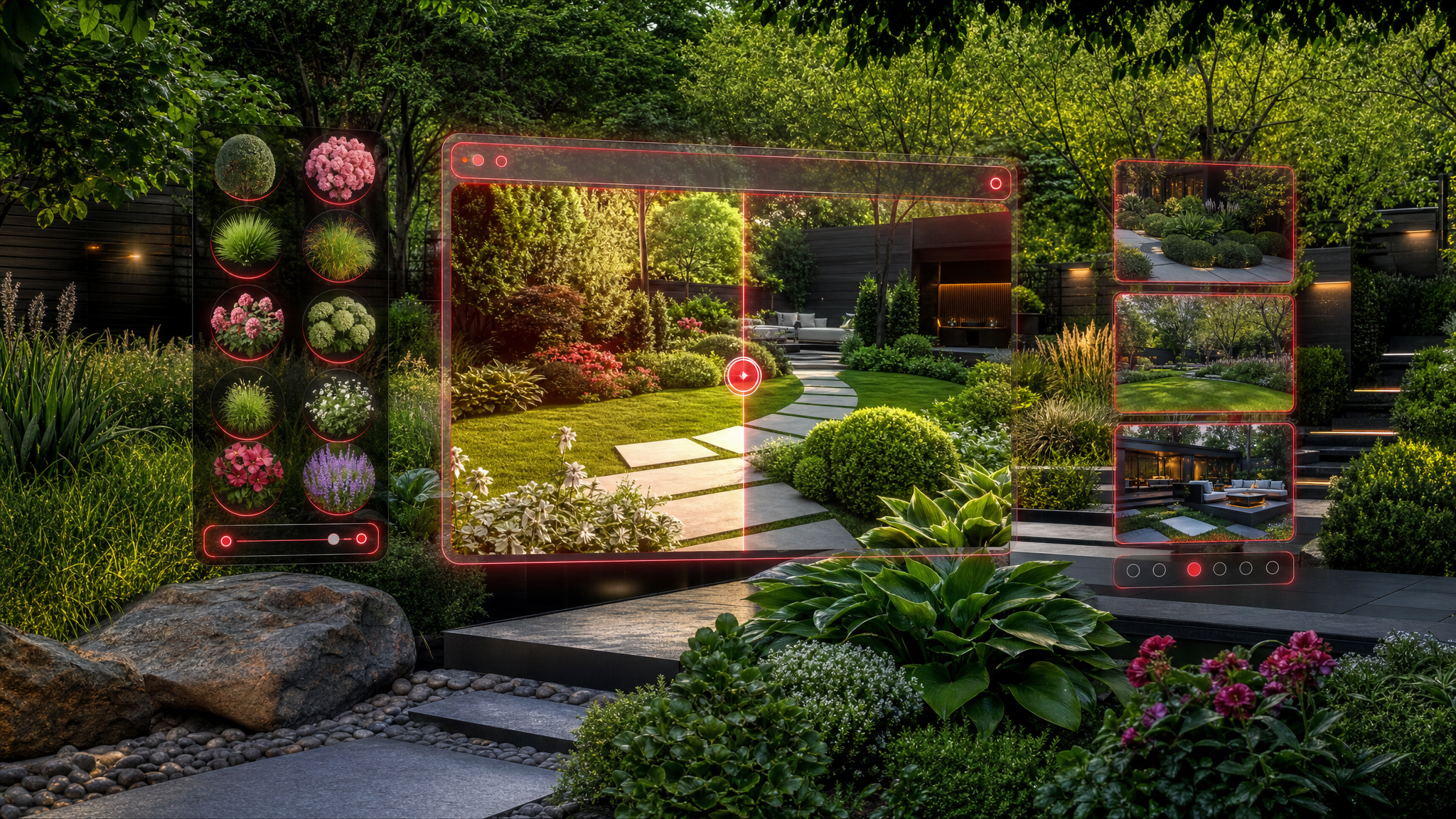
To the left, a clean sidebar titled “Build Your Vision” slides into view, organized into intuitive tabs: Plants & Trees, Hardscaping, Lighting, and Water Features. You begin with the Plants & Trees tab, where realistic 3D models of native species—such as drought-tolerant lavender shrubs, vibrant black-eyed Susans, and elegant blue grama grass—appear as draggable icons. You select a cluster of the lavender shrubs and, with a simple drag-and-drop motion, place them along the property’s southern fence line. As you release your finger, the shrubs settle into the satellite view with realistic scaling and subtle shadow effects based on the current time of day. A small information panel pops up automatically, detailing the plant’s mature height, water needs, bloom season, pollinator benefits, and even a small "care difficulty" rating. Curious about alternatives, you swap one shrub for a compact juniper, watching the visual update in real time, noting how the foliage color and texture instantly change. The system even suggests optimal spacing for healthy growth.
Next, you switch to the Hardscaping tab. Thumbnail previews of materials like weathered brick pavers, natural limestone slabs, and composite decking line the top of the panel. You drag a curved flagstone patio template onto the center of your yard, resizing it with intuitive pinch gestures until it fits perfectly beside your existing back door. The system automatically suggests complementary retaining walls to address a slight slope in your terrain, displaying real-time cost-range estimates in a floating tooltip that updates as you adjust. You adjust the wall height with a slider, and the 3D rendering updates instantly, showing how rainwater would drain away from your foundation, a practical detail you hadn't even considered. You then experiment with adding a fire pit, watching how the surrounding patio space dynamically adjusts to accommodate it.
Intrigued by evening usability, you explore the Lighting tab. Selecting solar path lights and overhead string fixtures, you position them along the new patio edges and near a seating area you just added. With one tap, the view shifts to a simulated dusk mode, instantly transforming the space. Warm glow patterns and intricate shadow play dance across the flagstone, revealing how the space would feel after sunset. A brief animation demonstrates motion-activated spotlights near the garden path, highlighting safety features and accentuating key landscape elements without any visual clutter. You can even adjust the color temperature of the lights to match your desired ambiance.
Finally, you add a small fountain from the Water Features tab—a bubbling rock cascade that integrates seamlessly with the patio’s edge. The interface calculates approximate water flow and suggests compatible pump sizes, while an audio preview lets you hear the gentle trickle, allowing you to imagine the soothing sounds in your own backyard. Throughout the entire process, a running total in the top-right corner updates dynamically, breaking down material, labor, and maintenance estimates based on current regional pricing data. You experiment freely: moving the fountain, swapping plant palettes for a more drought-tolerant mix, testing a pergola addition, and even changing the patio shape. Each change feels immediate, tangible, and directly impacts the budget, giving you full control and transparency.
Satisfied with your evolving design, you click “Save & Share.” The system generates a unique link and offers to email a polished PDF summary, complete with your custom layout, detailed plant list, material specifications, and a one-click scheduling button for a free, personalized consultation. Before exiting, you browse a “Community Inspirations” carousel at the bottom of the screen, where real Verde Vista projects from similar Tri-County neighborhoods appear—each tagged with climate adaptations, budget
Your website can be more than a one-dimensional advertisement. If reading this sparked an idea for your own business, come explore it with us. Open our Quote Chat and we’ll help you figure out exactly how an interactive website could work for you — no pressure, just possibilities.
What could this look like for your website?
Every idea here started with the same question: what if your site did more than sit there? Have a quick, AI-powered conversation with our project assistant and we’ll map out exactly how to turn your website into an interactive tool that works for your business.
Explore your ideas in the Quote Chat